 ← Tundra Industries
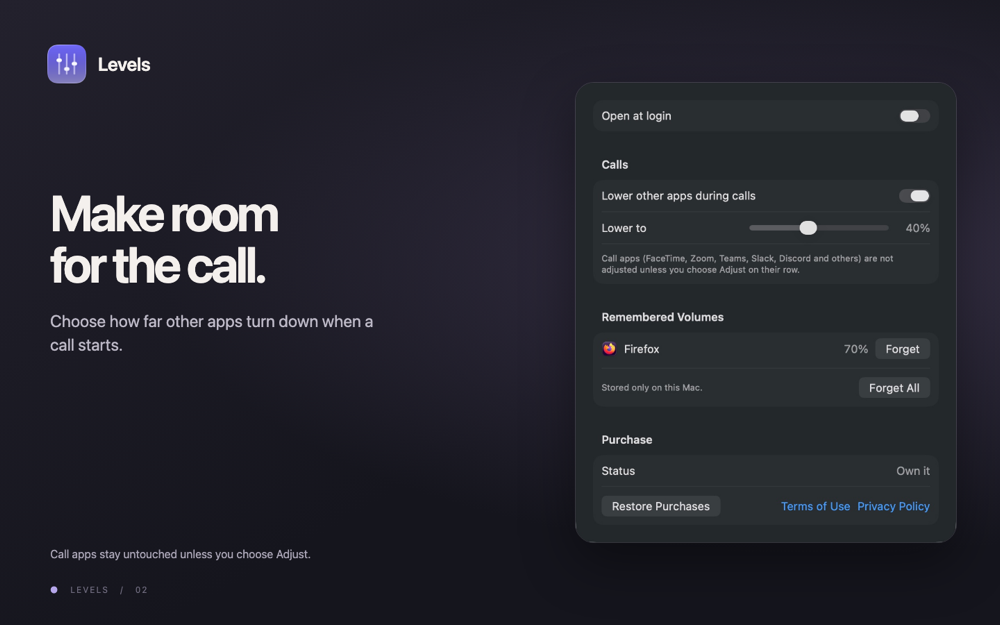
Menu bar app that sets the volume of each app from 0 to 200%, mutes apps and lowers others during calls.
Levels facts
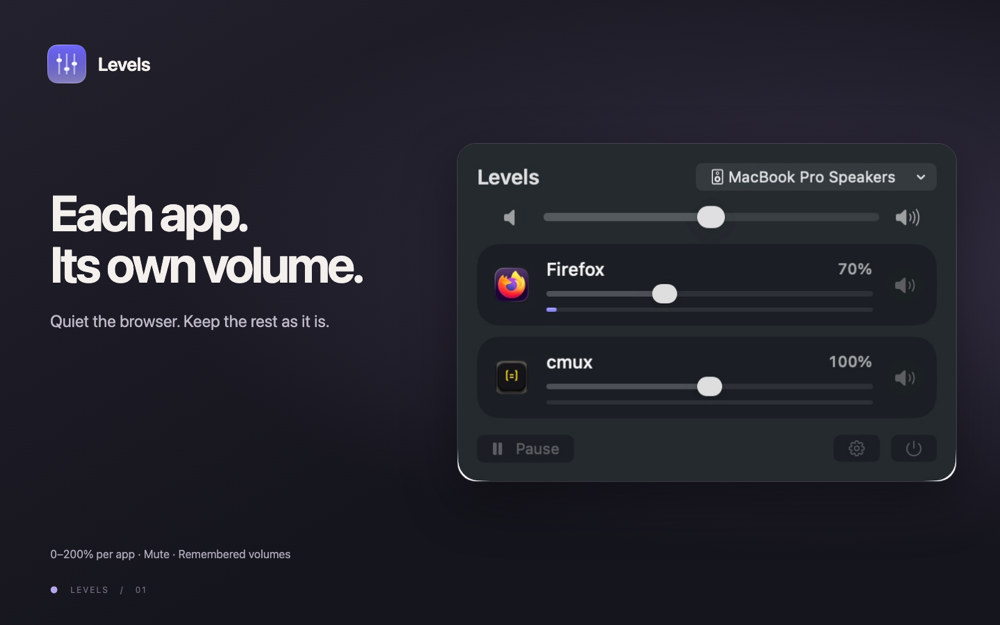
Levels is a menu bar volume mixer for Mac: one volume slider and mute button for each app that plays sound, from silent to 200%.
- Price
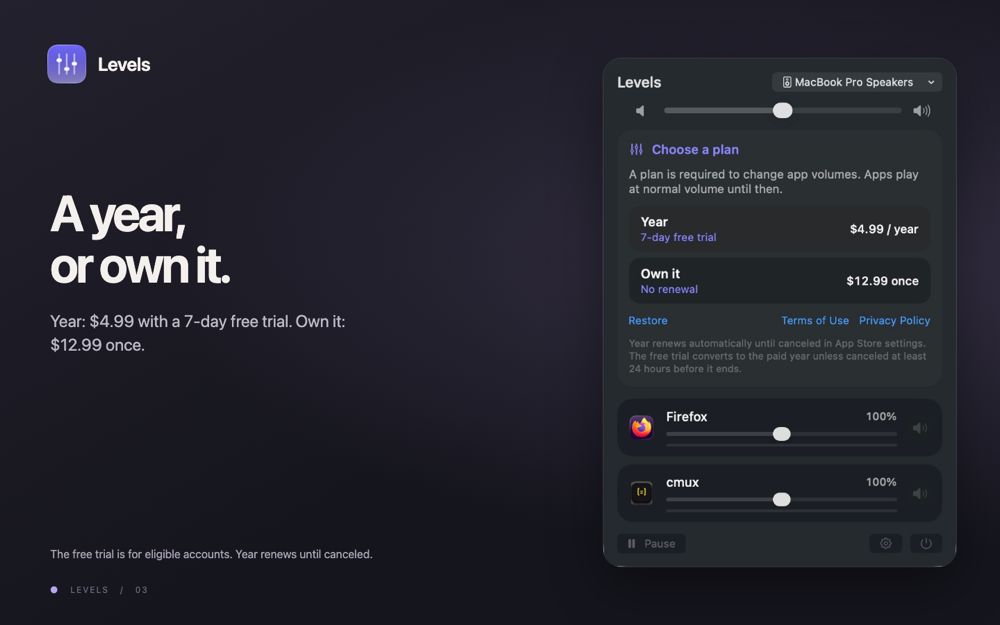
- $4.99 a year or $12.99 once (USD)
- Trial
- 7-day free trial
- Requires
- macOS 26 or later
- Current version
- 1.0.0
- Sold
- Direct download, Developer ID signed and notarized, not on the Mac App Store. License key from Tundra's checkout (Stripe).
WebsiteDownload for MacBuy year ($4.99 a year)Buy lifetime license ($12.99)
Guides on the Levels website
- Apple Music too loud on Mac: how to make it quieter
- Chrome too loud on Mac: how to make it quieter
- Different volume for headphones and speakers on Mac
- Discord too loud on Mac: how to make it quieter
- FaceTime too loud on Mac: how to make it quieter
- Firefox too loud on Mac: how to make it quieter
- Game too loud on Mac: how to make it quieter
- How to change notification and alert volume on Mac
- How to change volume per app on Mac (macOS 26 and earlier)
- How to find which app is playing sound on your Mac
- How to lower music automatically during calls on Mac
- How to make one app louder on Mac (boost up to 200%)
- How to mute one app on Mac without muting everything
- How to switch audio output on Mac (speakers, AirPods)
- Levels vs SoundSource and Background Music – Mac
- Mac volume keyboard shortcuts and smaller volume steps
- Mac volume keys not working with HDMI or DisplayPort
- Mac volume too low: checks for speakers, headphones and apps
- Microsoft Teams too loud on Mac: how to make it quieter
- Per-app volume on macOS: Monterey to macOS 26 notes
- Podcasts too loud on Mac: how to make it quieter
- Safari too loud on Mac: how to make it quieter
- Slack too loud on Mac: how to make it quieter
- Spotify too loud on Mac: how to make it quieter
- VLC too loud on Mac: how to make it quieter
- Volume mixer for Mac: per-app sound control in the menu bar
- YouTube too loud on Mac: how to make it quieter
- Zoom too loud on Mac: how to make it quieter
Palette
Violet#5856D6
Night#0A0A12
White#FFFFFF
Screens
Milestones
- Oct 27Levels for Mac available as a direct download
- Oct 1Levels 1.0 submitted to App Review. $1.99/month or $9.99/year with a 7-day trial, or $19.99 once.
- Sep 30Levels spec written: per-app volume for macOS on Core Audio process taps.